Understanding payout errors helps you resolve failed transactions quickly and minimise payment delays. This guide covers all possible error messages you may encounter while initiating payouts via UPI, IMPS, or NEFT — along with the recommended action for each.
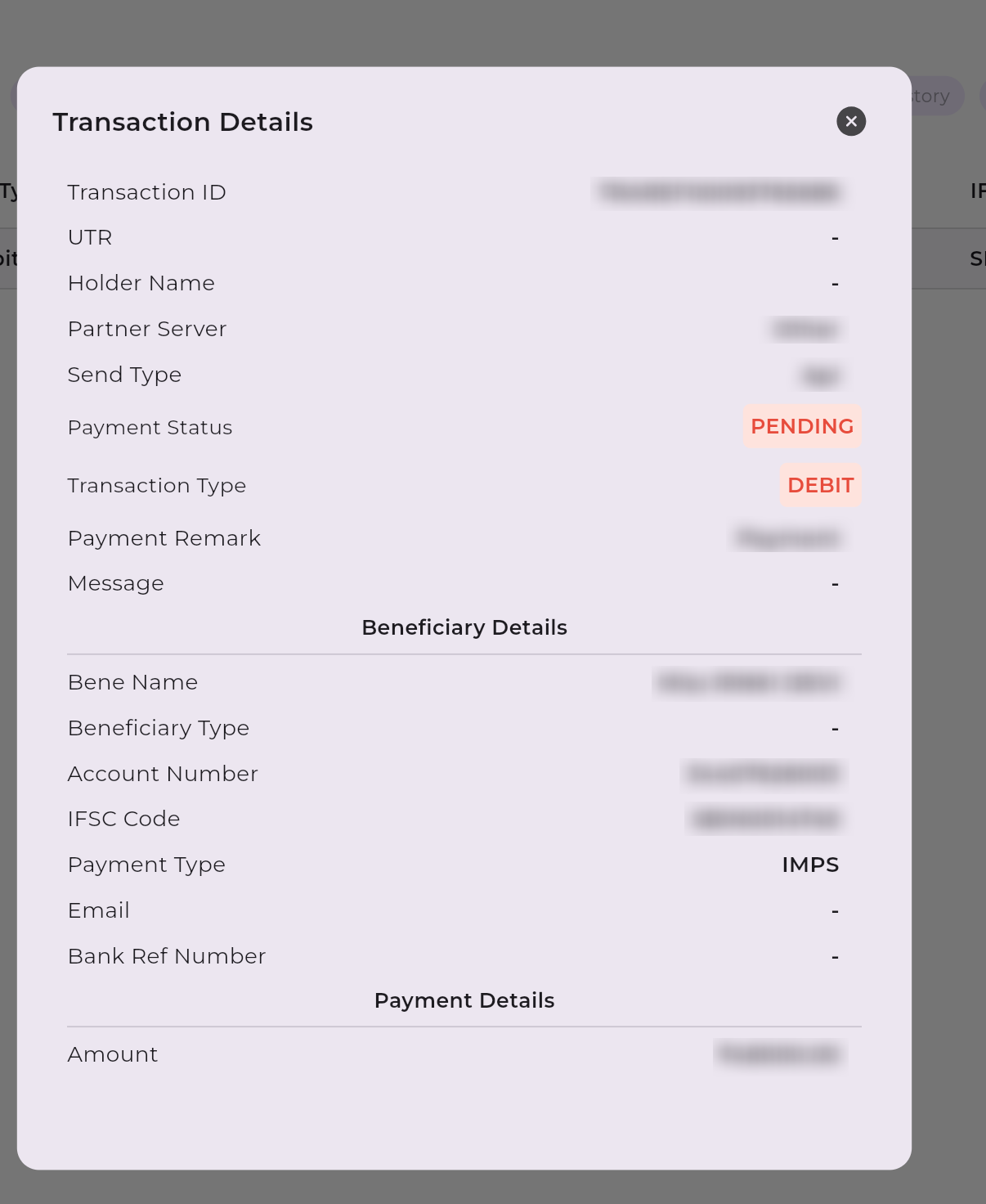
For UPI and IMPS payouts (real-time payment modes), a transaction may occasionally show a Pending status. This occurs when the beneficiary bank's server does not respond within the initial 30-second processing window.
In such cases, the transfer is awaiting credit at the beneficiary bank and requires manual reconciliation on their end. As per NPCI guidelines, the standard turnaround time (TAT) for pending transactions is a maximum of T+3 working days (Saturdays, Sundays, and bank holidays are excluded).
The table below lists all possible payout error messages, along with their causes and recommended resolutions.
| Error |
Description |
Action By |
| ACCOUNT CLOSED |
The beneficiary account has been permanently closed at the bank. Request updated account details from the recipient. |
Recipient |
| ACCOUNT BLOCKED/FROZEN |
The beneficiary bank account is restricted due to bank policies, legal holds, or KYC issues. The recipient must contact their bank. |
Recipient's Bank |
| Beneficiary account is invalid / Invalid beneficiary bank account |
The account number or format is incorrect. Verify the account number and IFSC carefully and retry. |
Sender |
| Beneficiary account already exists |
The beneficiary is already registered in the system. Use the existing record instead of creating a new one. |
Sender |
| Inactive or dormant beneficiary bank account |
The account is dormant due to prolonged inactivity. The recipient must visit their branch to reactivate it. |
Recipient |
UPI / VPA Errors
| Error |
Description |
Action By |
| UPI ID is invalid / Beneficiary UPI is wrong |
The UPI ID (VPA) entered is incorrectly formatted or does not exist. Confirm with the recipient and retry. |
Sender |
| UPI ID not allowed to perform this transaction |
The UPI ID is restricted for this specific transaction type by the PSP or NPCI. Consider using a bank transfer (IMPS/NEFT) instead. |
Recipient's Bank |
| UPI ID restricted by beneficiary bank / Payouts to this VPA not allowed |
The recipient's bank or PSP has blocked the handle. The recipient needs to resolve this with their bank. |
Recipient |
IFSC & Mapping Errors
| Error |
Description |
Action By |
| INVALID BENEFICIARY IFSC CODE OR NBIN |
The IFSC or NBIN code is invalid. Verify the code from the recipient's passbook or cheque leaf. |
Sender |
| Destination Bank and Branch could not be resolved |
The mapping between the bank and branch failed, likely due to an outdated or incorrect IFSC code. |
Sender |
Limit & Amount Errors
| Error |
Description |
Action By |
| TRANSFER AMOUNT EXCEEDS LIMIT |
The payout amount is higher than the limit allowed for the selected payment mode. Reduce the amount or change the mode. |
Sender |
| Minimum transaction amount should be 100 paise |
The minimum supported payout amount is ₹1. Increase the amount and retry. |
Sender |
| Method allows only upto 1000/2000 transfer |
The current payment route has a transaction cap (e.g., ₹1,000 or ₹2,000). Split the transaction or change the mode. |
Sender |
Bank & Processing Errors
| Error |
Description |
Action By |
| Failed at beneficiary bank / Transaction failed |
The recipient's bank rejected the request or an internal processing error occurred. Retry after some time. |
Retry Later |
| Transaction Timeout |
The bank did not respond within the timeframe. Check the transaction status on your dashboard before retrying. |
Check Status |
| Rejected by npci / sfms |
The transaction was rejected by the central banking infrastructure. Verify details and retry after some time. |
Retry Later |
Downtime & Technical Errors
| Error |
Description |
Action By |
| Partner Bank/PSP systems are offline |
The bank or UPI provider is undergoing maintenance. Retry after 30-60 minutes. |
Retry Later |
| Facing trouble completing request |
A temporary platform-side processing issue. If retrying doesn't work, contact support. |
Support |
☝️
Need further assistance? If an error persists after following the recommended steps, contact Bulkpe Support with your Transaction ID for further investigation.