Bill Payment Reports
The Bulkpe Bill Payments Report is a key feature that provides detailed downloadable insights into your bill payment activities to help with tracking, reconciliation, auditing, and financial management.
Step 1 : Navigate to Bulkpe Bill Payment Dashboard —> Reports.
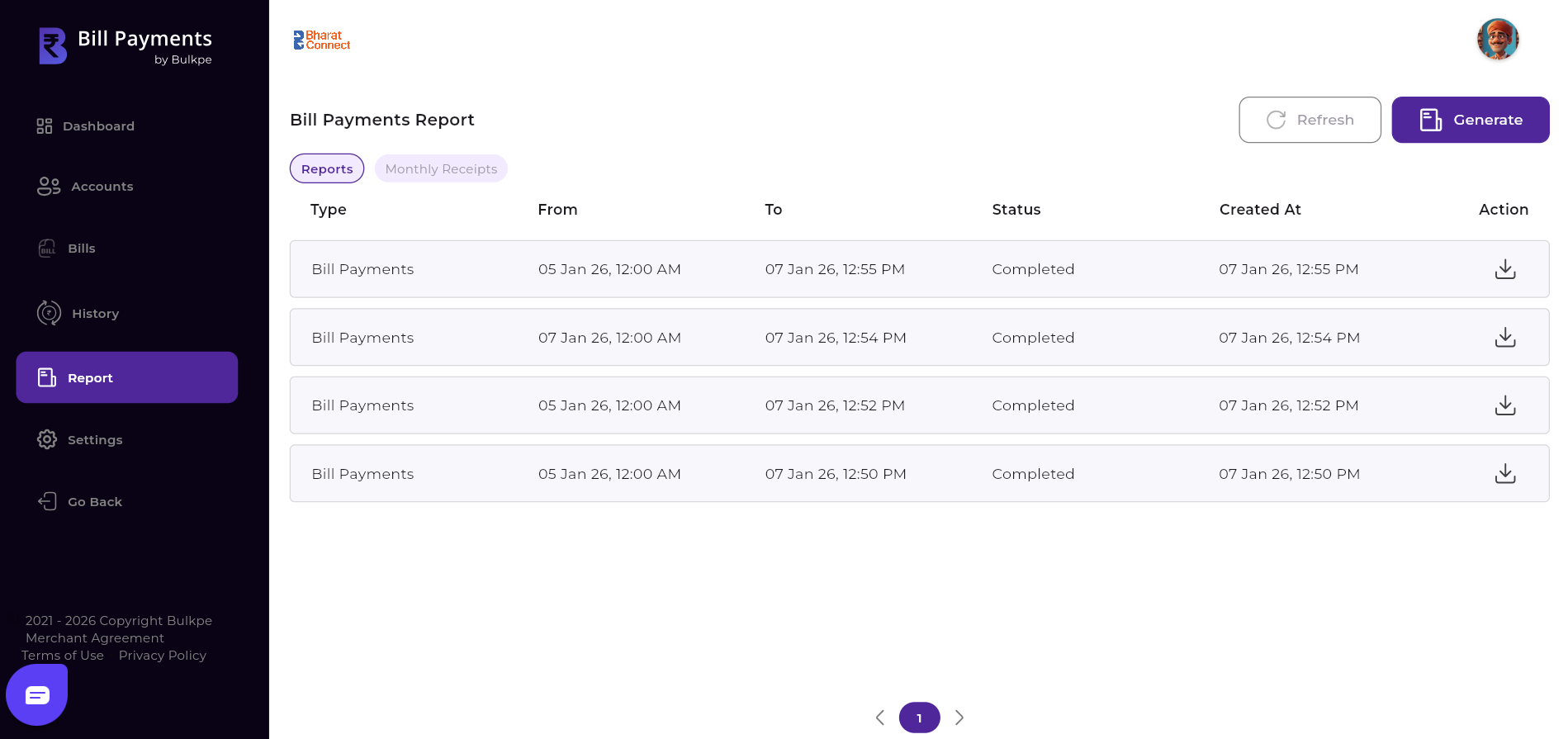
Step 2 : Click “Generate” button on top right corner.
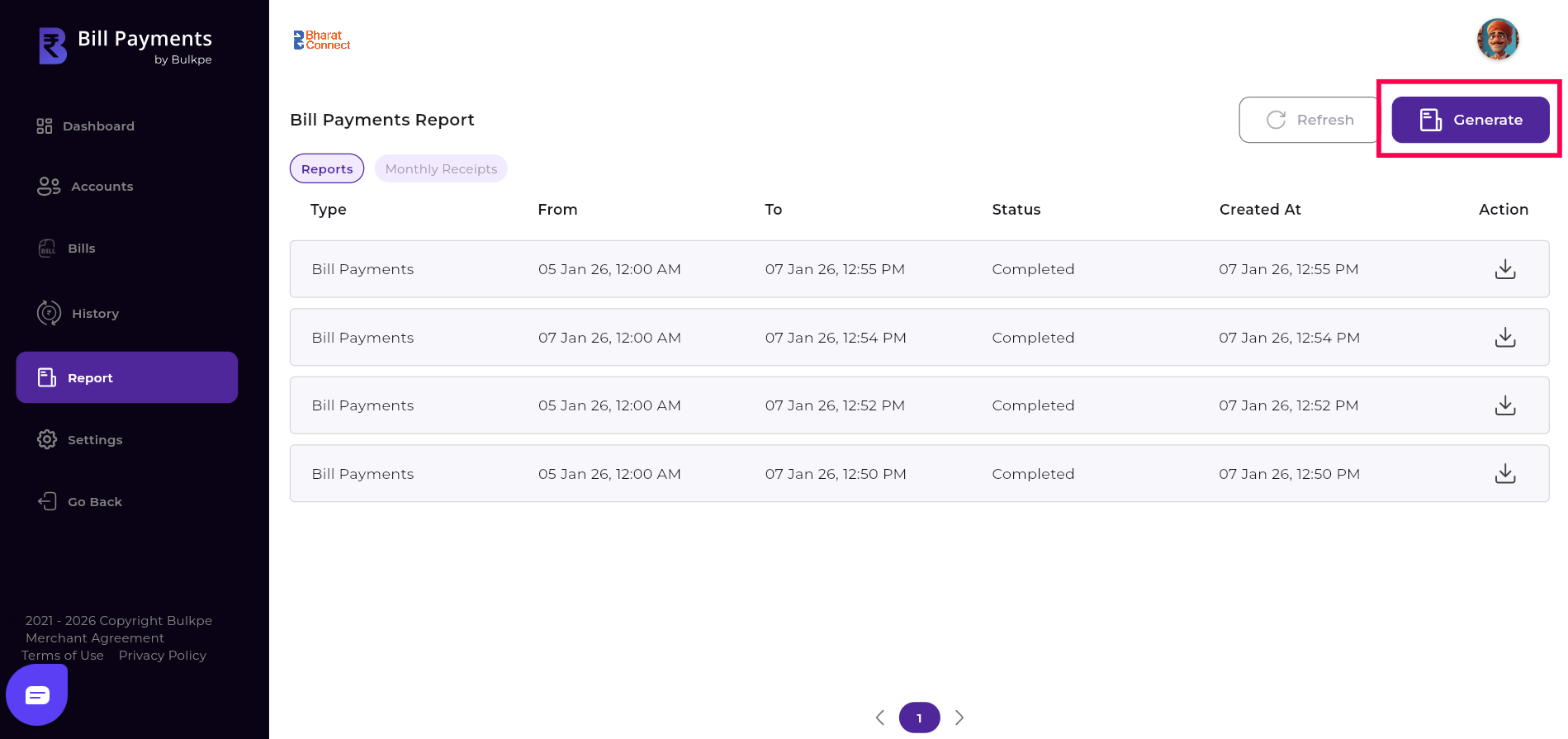
Users have two options to generate reports: Standard and Customized timestamps. Under the Standard option, reports can be generated for predefined durations such as one hour, one day, one week, or one month. Under the Customized option, users can select a specific “From” and “To” date range to generate a report based on their preferred time period.
After selecting the desired timestamp option, the user must click the “Generate” button located at the bottom right. Upon clicking, the report is generated instantly based on the selected time range.
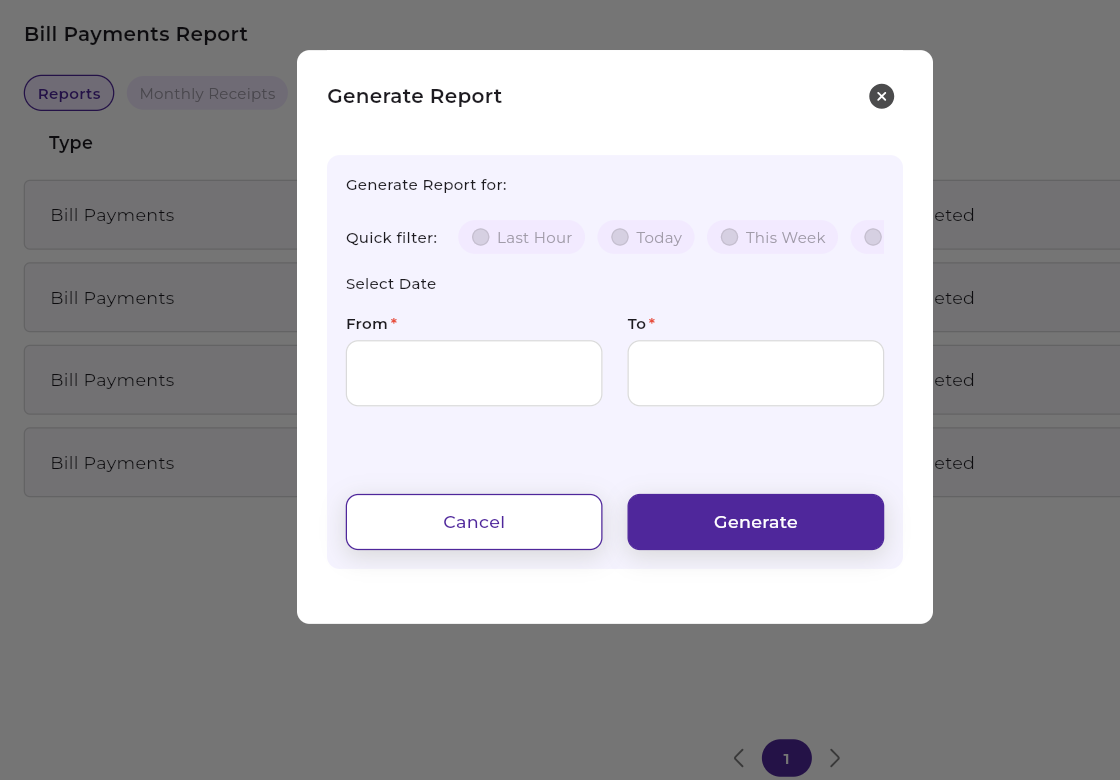
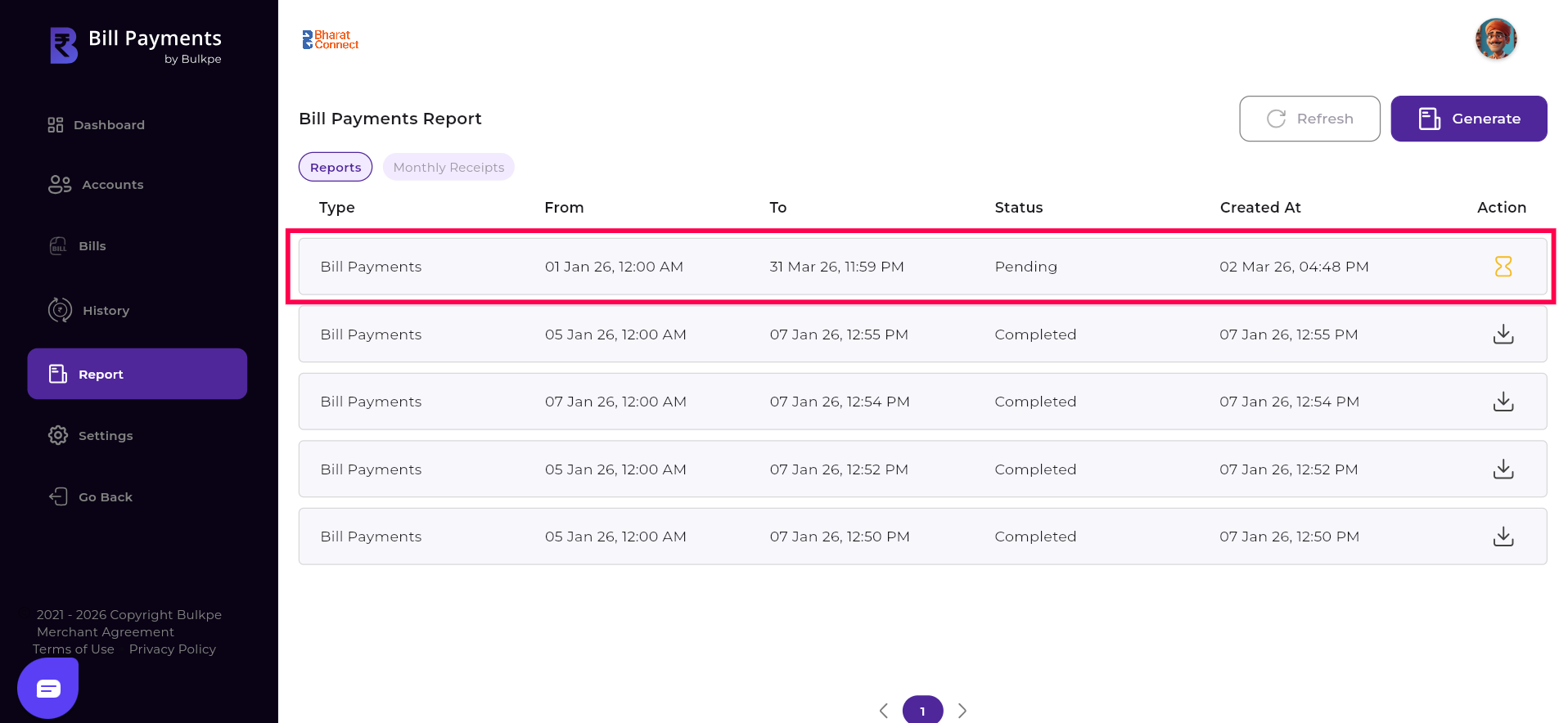
The report is generated within few seconds. If the report generation status is still pending, users can click the “Refresh” option to update the status.
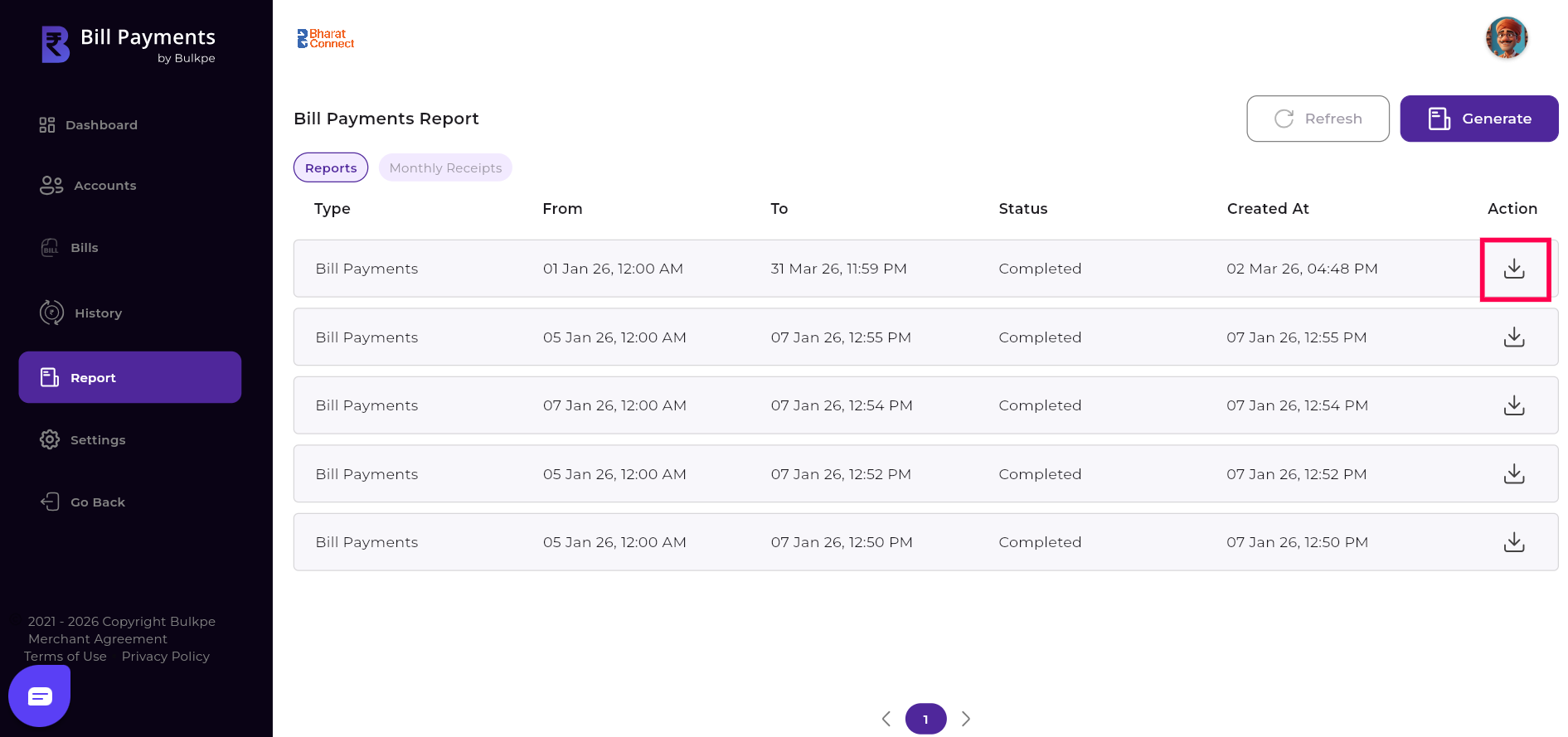
Step 3 : To download the report, the user must click the “Download” icon located at the rightmost corner of the generated report entry. Upon clicking the icon, the report is downloaded instantly for offline access and record-keeping.