Add funds to your Verification Wallet
To use any of the Bulkpe verification products, you will need funds available in your wallet.
You can load your wallet using UPI scan and pay.
Step 1:
Signup / Login to verify.bulkpe.in
Step 2:
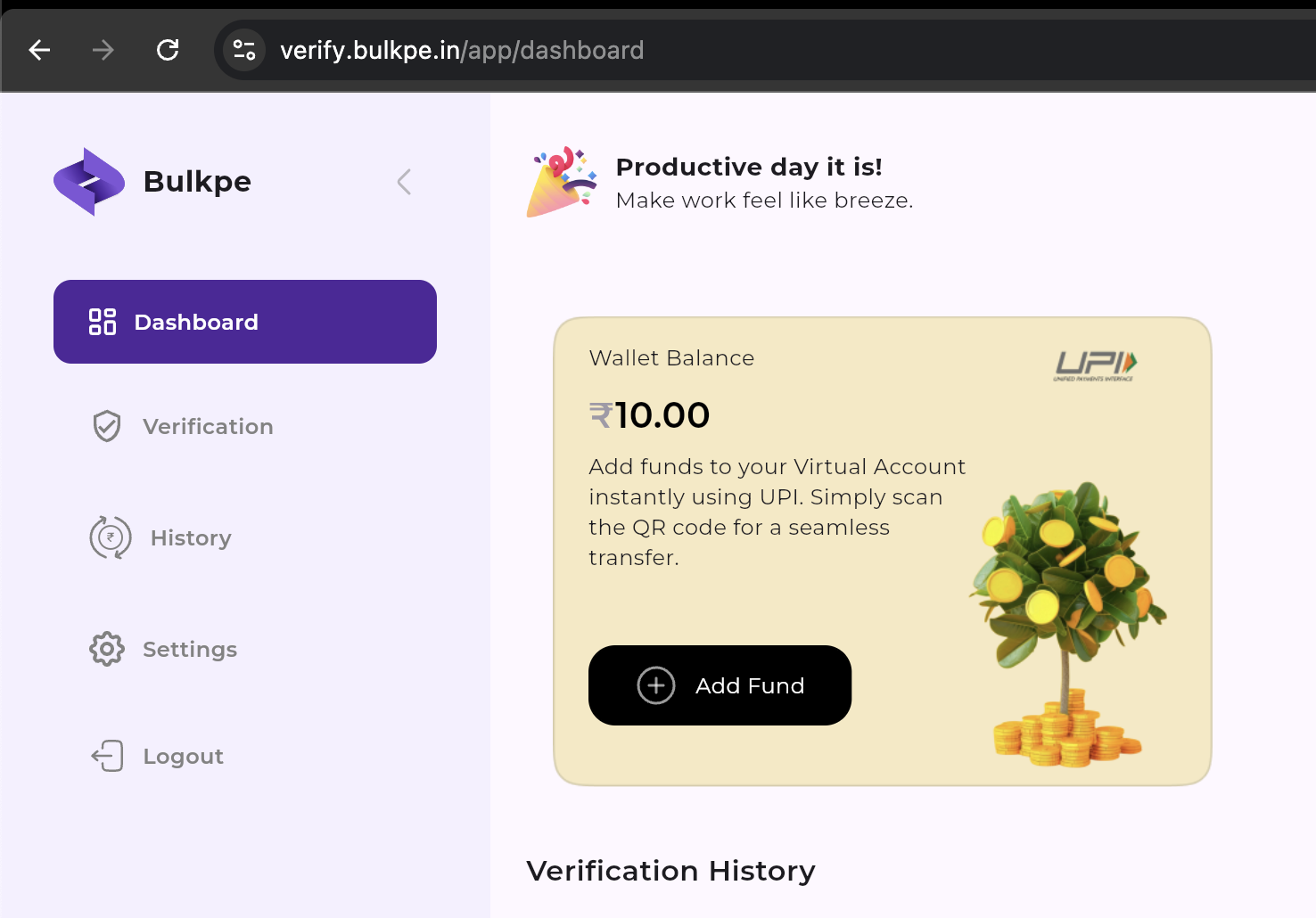
Click "Add Funds" in the dashboard. Enter the amount you like to add and click "Pay Now".
Step 3:
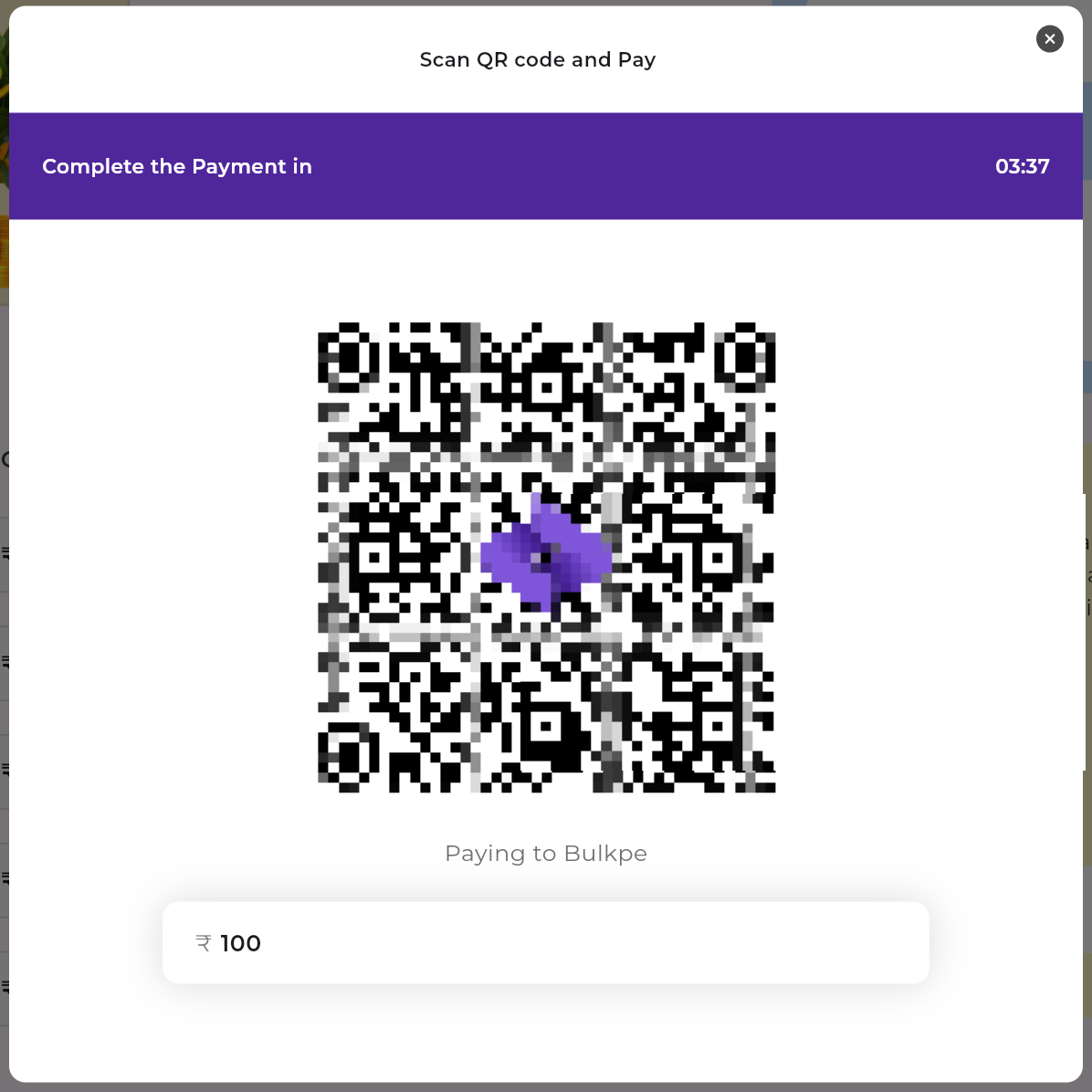
Scan the QR from your UPI App (like Google Pay, PhonePe, etc) and make the payment.
Step 4:
Once payment is made, it instantly gets added to your verification wallet.
Note: The wallet balance on verify.bulkpe.in is completely separate from your balance on app.bulkpe.in. Funds cannot be transferred between the two platforms.
---
☝️
Customer Support