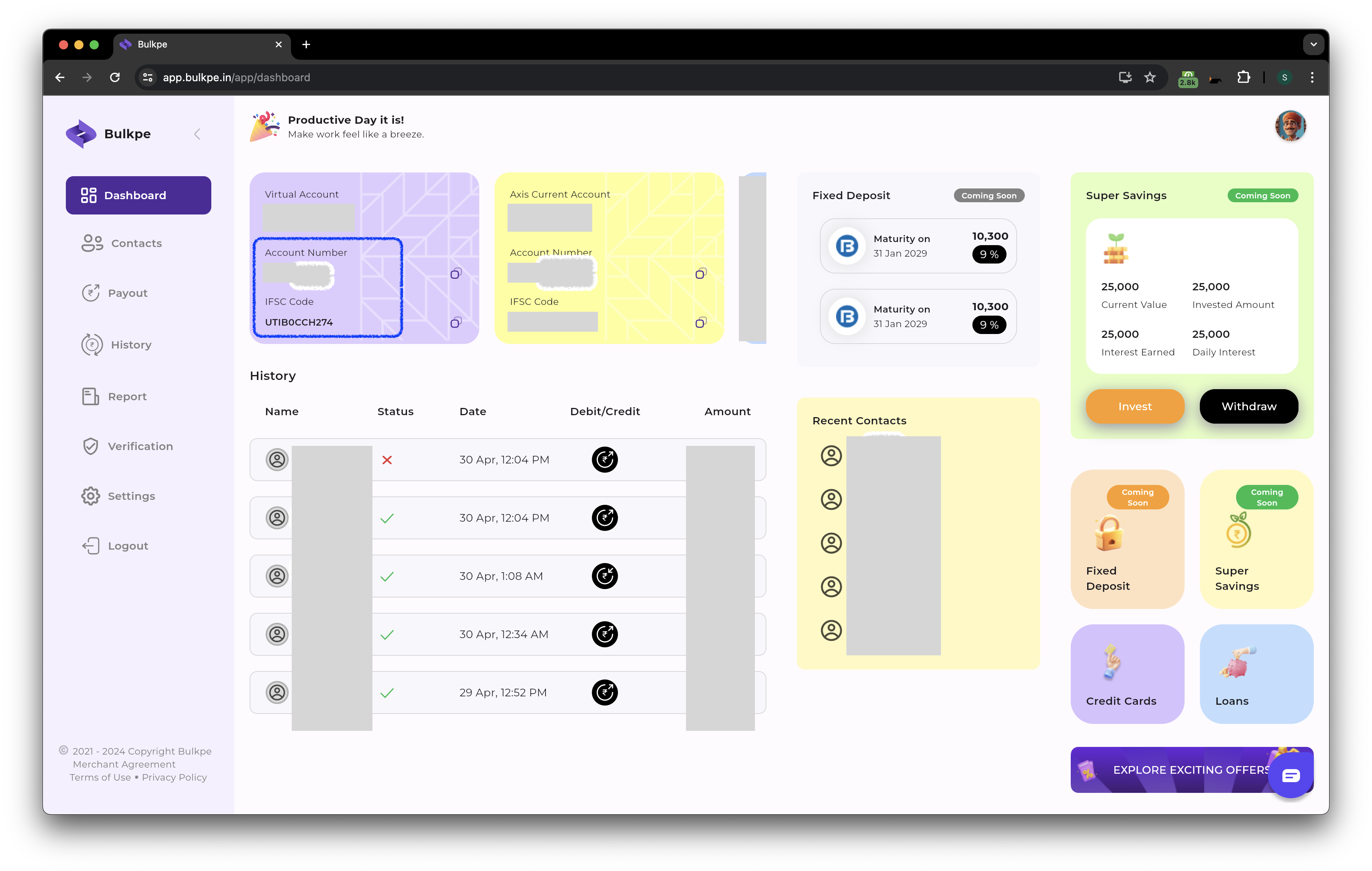
Get started
Adding funds to Virtual Account
Whitelist
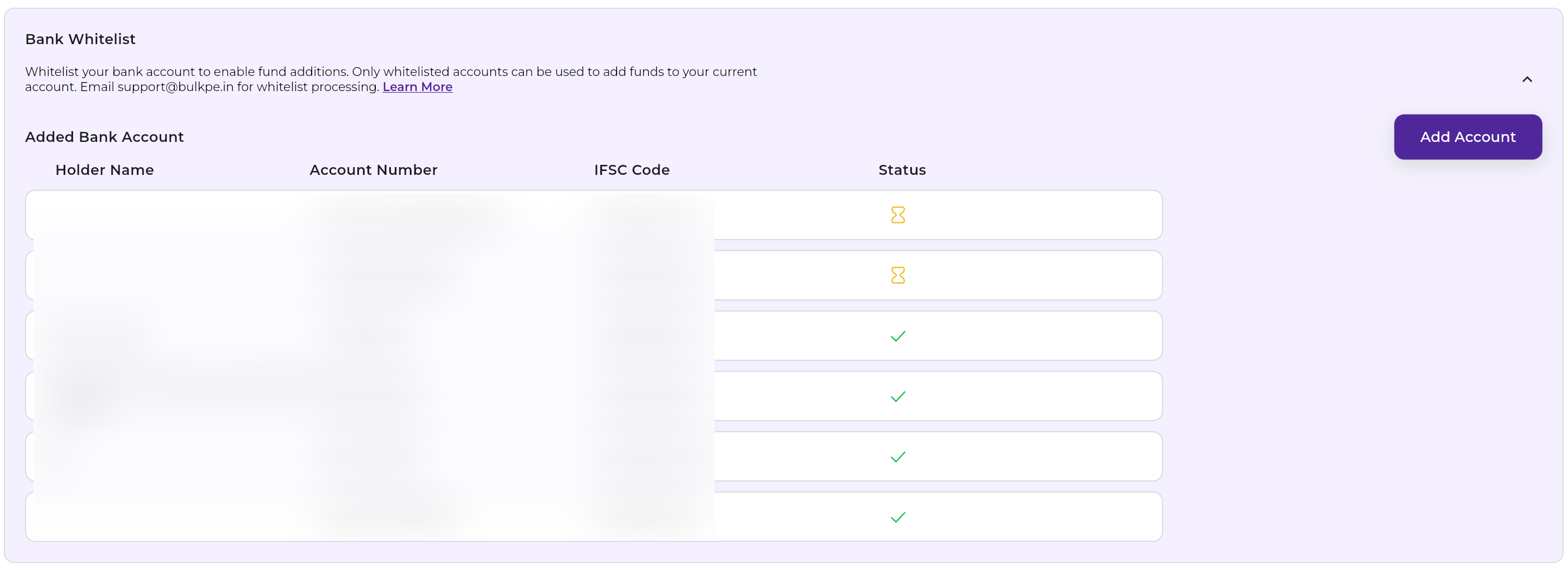
To add funds, once your Bulkpe Account is reviewed and activated by the Bulkpe Team, you need to whitelist your existing Bank Account of your company from
Settings -> Accounts -> Scroll down -> Bank Whitelist Column -> Add Account -> Input Account Holder Name, Account Number, and IFSC - > Submit.
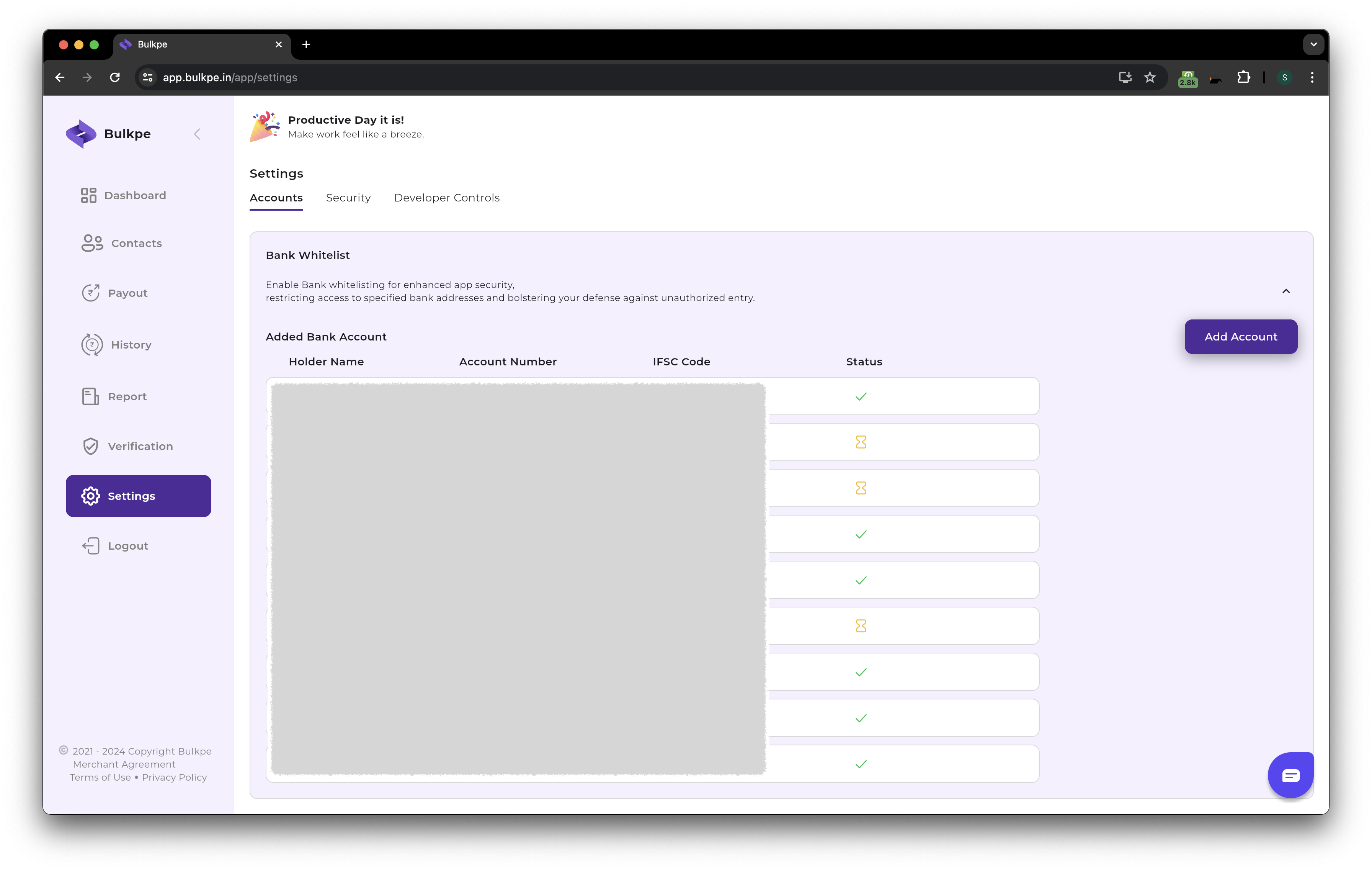
Once submitted, please reach out to support@bulkpe.in for review and approval of the account whitelisting process. Upon approval from Bulkpe, you can proceed to add funds via IMPS, NEFT, or RTGS through your Bank Net Banking or Bank Mobile App.
Once your Bank Accounts are whitelisted, you can add funds to your Bulkpe Wallet, and start by locating your Virtual Account Number and IFSC on your dashboard.